Tintero for developers
Make Tintero yours.
Your writing is yours and always will be. Your projects are saved as plain files, documented here down to the last field, so you can build something of your own that reads and writes your work with no Tintero anywhere in sight.
-
Plugins
Add the thing you wish it had. A panel of your own, an importer, or something quiet in the background. 97 methods to work with.
-
Themes
Make it look the way you like. One CSS file, no manifest and no code, and 157 variables to play with.
-
The file format
Your work in plain JSON, every field explained, so you can build whatever you want around it.
tintero-plugin-sdk.d.ts covers the whole API and the manifest. Drop it next to
your source and a misspelled permission becomes a compile error.
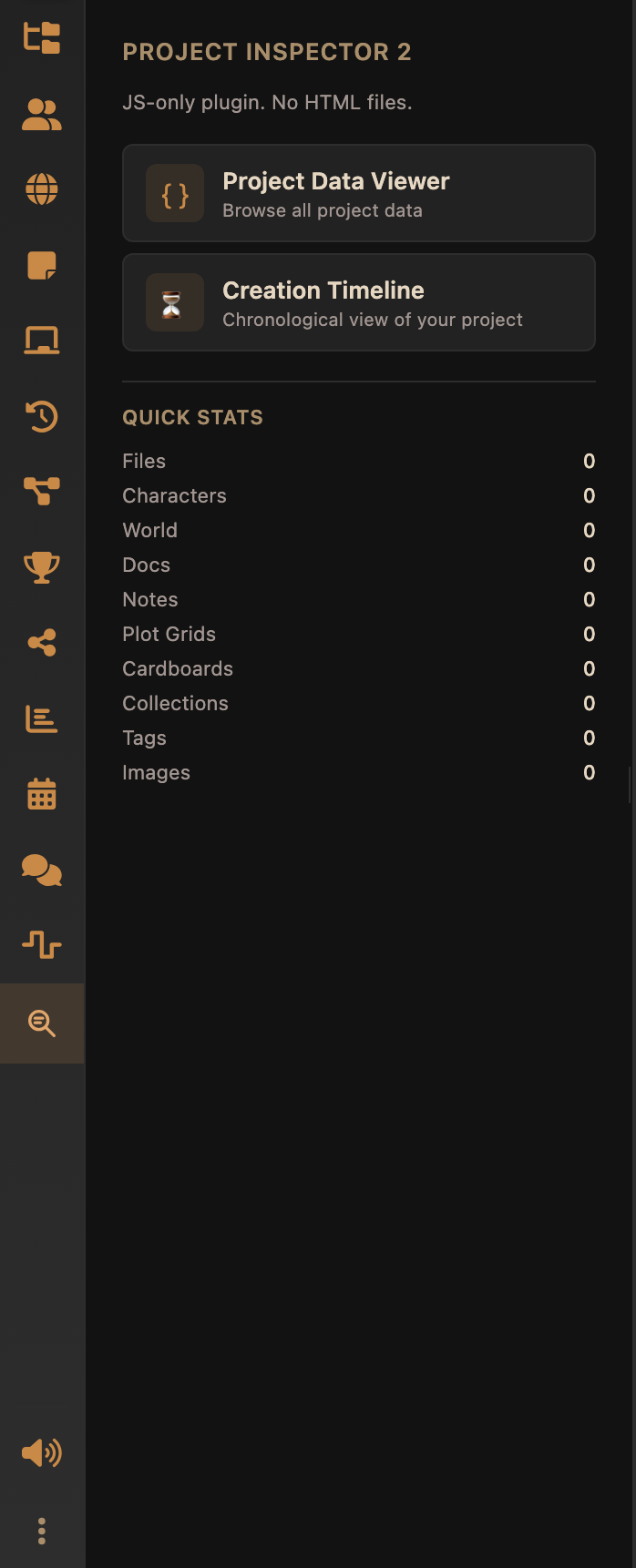
A plugin, in about a minute
two files, one commandplugin.json
{
  "id": "com.example.hello",
  "name": "Hello",
  "version": "1.0.0",
  "description": "The smallest possible Tintero plugin",
  "author": {
    "name": "You"
  },
  "type": "sidebar-panel",
  "surfaces": [
    "sidebar"
  ],
  "main": "plugin.js",
  "scopes": [
    "ui.sidebar",
    "project.read"
  ],
  "ui": {
    "sidebar": {
      "label": "Hello"
    }
  }
}
plugin.js
(function () {
  const plugin = new TinteroPlugin();

  plugin.onActivate = async function () {
    const project = await tintero.project.getMetadata();
    document.body.innerHTML = '<h1>' + project.name + '</h1>';
  };

  registerPlugin(plugin);
})();
then
cd my-plugin && zip ../my-plugin.zip plugin.json plugin.jsOpen Settings → Plugins → Load local plugin (dev) and pick the zip. The panel appears in the sidebar. The full walkthrough →
Nothing here is written down twice
The API tables, the permission list, the manifest fields, the events, the theme variables, every field of the file format and every node the editor can write are read out of the Tintero source when the site is built. The document schema is not even read: it is produced by running the editor's own schema builder, because nothing else would be honest. Rename a method, move a permission, add a field, and these pages change with it. And if a sentence somebody typed disagrees with the code, the build stops rather than publishing.
- API methods
- 97
- Permissions
- 55
- Events
- 18
- Theme variables
- 157
- Format fields
- 677
- Document types
- 52
project 39 ui 9 media 9 editor 7 convert 6 fs 5 storage 4 backup 4 export 4 app 3 settings 2 events 2 import 2 debug 2 net 1
Your first plugin
From an empty folder to a panel running in the app, with nothing installed but a zip command.
Development workflow
Load a local zip, reload it, and let Tintero watch the file so a rebuild refreshes your panel by itself.
Surfaces
Sidebar, full app view, invisible background and dialog window, and how one plugin runs in several at once.
API reference · 97 methods
Every method, what it takes, what it returns, and the permission it needs before it will run.
Permissions · 55
What each one unlocks, how risky the install dialog says it is, and which ones bring others with them.
Security model
The box your code runs in, why it cannot reach the network on its own, and every limit there is.
The file format
A project is a folder of plain JSON. What is in it, how to read one without Tintero, and what a .tint holds.
Document schema · 52 types
Every node and mark a chapter can contain, with attributes and defaults, read out of the editor itself.
Themes · 157 variables
A theme is one CSS file and no manifest. Which variables to set, and the ones you have to write twice.
Publishing
A release in your own repository, then a pull request to the list the in-app browser reads.
How it actually runs
Worth knowing early, because it explains most of the rules.
-
A sealed frame
No access to the app, no cookies, no localStorage, and a policy that blocks every network request from inside it.
-
One bridge, checked every time
Calls reach the app as messages. Your permissions, a rate limit and a size cap are checked on every single one.
-
One copy per place you appear
Each place runs your code separately. They share tintero.storage and nothing else.
-
A heartbeat
Tintero pings you regularly and the SDK answers for you. Go quiet for too long and your frame is shut down.
In numbers: 100 calls / 1 s per plugin, arguments capped at 5 MB, and calls give up after 30 s. The whole model →