Surfaces
The four places a plugin can render (sidebar, app, background and dialog), how to declare each one, and what changes when you run on several at once.
On this page
A surface is a place your plugin can appear. There are four, and one plugin can run in several at once. Each gets its own frame, running its own copy of your code.
| Surface | Where it appears | Starts when |
|---|---|---|
sidebar | Narrow panel down the side | Someone opens it |
app | The whole main view, like a page | Someone opens it |
background | Nowhere, it just runs | When the app starts |
dialog | A window on top of the app | Your own code calls ui.openDialog() |
Declaring them
Say what you provide and nothing more:
{
  "surfaces": ["sidebar"],
  "scopes": ["ui.sidebar"]
}
type is the older version of the same idea, from back when a plugin could only be one thing.
It is still required. Leave surfaces out and Tintero works it out from type instead:
type | Becomes | Contributes |
|---|---|---|
sidebar-panel | sidebar | nothing |
app | app | nothing |
file-importerfile-exporterproject-importerproject-exporterbook-exporter | background | file-importfile-exportproject-importproject-exportbook-export |
tool | background | nothing |
Write both. surfaces wins if they disagree, and type is what older builds read.
Sidebar
The usual case: a narrow panel for one small job.
{
  "id": "com.example.wordcount",
  "name": "Word Count",
  "version": "1.0.0",
  "description": "Live word count",
  "author": { "name": "You" },
  "type": "sidebar-panel",
  "surfaces": ["sidebar"],
  "main": "plugin.js",
  "scopes": ["ui.sidebar", "editor.read"],
  "ui": { "sidebar": { "label": "Words", "tooltip": "Word count", "width": 280 } }
}(function () {
const plugin = new TinteroPlugin();
plugin.onActivate = async function () {
document.body.innerHTML = `
<style>
.box { padding: 8px; font-family: inherit; }
.n { font-size: 24px; color: var(--accent-color, #c98a48); }
</style>
<div class="box"><div class="n" id="n">0</div><div>words</div></div>`;
const refresh = async () => {
const words = await tintero.editor.getWordCount();
document.getElementById('n').textContent = words;
};
await refresh();
tintero.events.on('editor.activeDocumentChanged', refresh);
};
registerPlugin(plugin);
})();ui.sidebar.label is the name people see. width is a suggestion, in pixels.
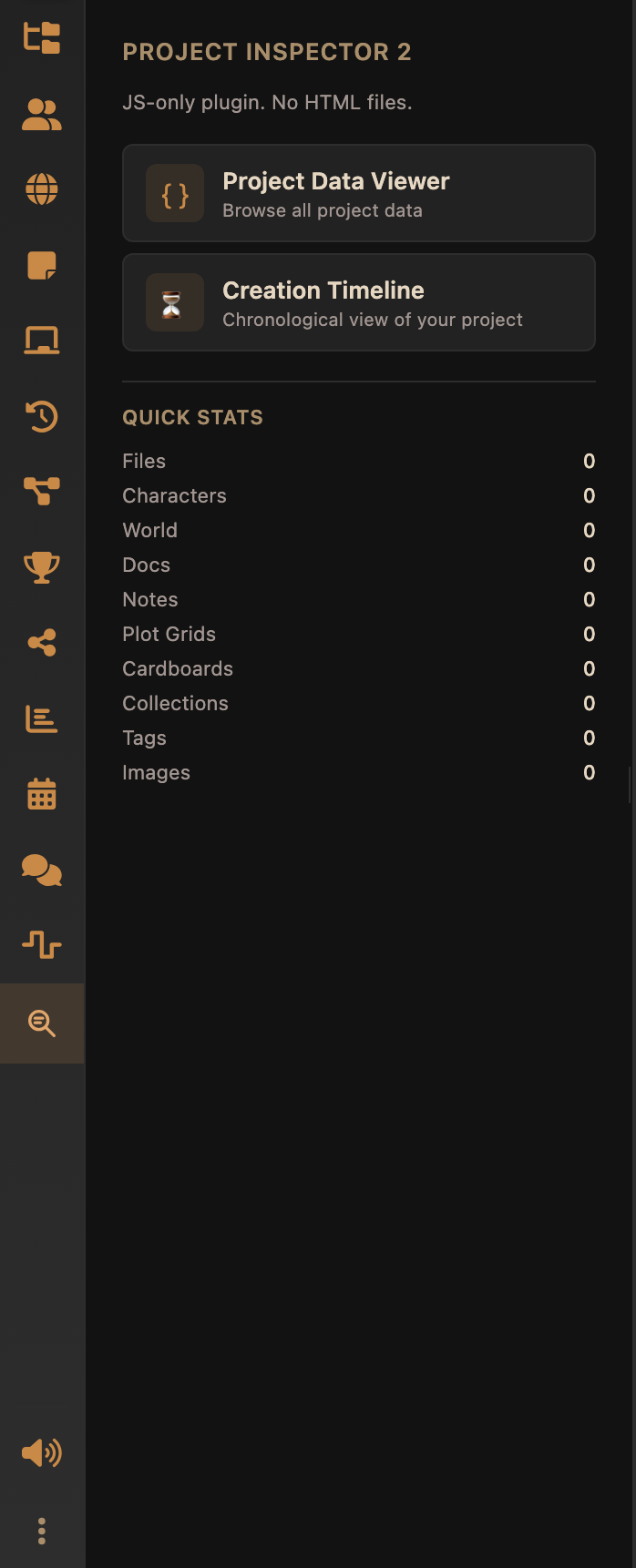
Two ways to get your markup in
Both work. Pick one and stick with it.
- Build it in JavaScript, as above. Simplest, and what most plugins do.
- Ship an HTML file as
ui.sidebar.panel. Tintero puts it into the frame before your JavaScript runs, soonActivatefinds the elements already there. Worth it once your markup gets big enough that a template literal stops being readable.
Either way, your content ends up inside a plugin-root element the host provides. Frameworks that
want somewhere to mount can use it directly. See React, Vue & bundlers.
There is also tintero.ui.render() (permission ui.sidebar ), which swaps
out the panel’s contents from the app’s side. It is really there for dialogs, covered in
Dialogs. For a sidebar panel, writing the HTML yourself is simpler and saves a
round trip.
Styling
Name a .css file after your main and Tintero loads it for you. plugin.js goes with
plugin.css.
The current theme’s variables are copied into your frame, and updated live when someone switches theme. Always give a fallback:
color: var(--text-primary, #e6d7c2);
background: var(--dark-bg, #121212);
App
Same code, a lot more room: the whole main view instead of a narrow strip.
{
  "type": "app",
  "surfaces": ["app"],
  "scopes": ["project.read", "project.read.characters"]
}
Your frame fills the main area, gets no padding, and runs the full height of the screen. Lay it out like a page, not like a column.
Background
No interface at all. Starts with the app and keeps running. This is what importers, exporters and quiet background tools use.
{
  "type": "tool",
  "surfaces": ["background"],
  "scopes": ["project.read", "ui.notification"]
}
It can still say something with tintero.ui.showNotification().
Dialog
A window on top of the app, opened by your code rather than by the person using it. It gets its own page, its own script and, if you want, its own HTML file. Dialogs covers it in full.
Running on several surfaces
Name more than one and you get more than one copy of your plugin running:
{
  "type": "app",
  "surfaces": ["app", "sidebar"],
  "scopes": ["ui.sidebar", "storage"]
}
Both instances run your plugin.js from the top, independently. Branch on tintero.surface:
plugin.onActivate = async function () {
  if (tintero.surface === 'sidebar') {
    renderCompactList();
  } else {
    renderFullView();
  }
};
They share no variables. Separate frames mean separate everything. What they do share is
tintero.storage, and when one of them writes, Tintero fires storage.changed at the others,
never at the one that wrote. That is how you keep them in step:
// the sidebar writes
await tintero.storage.set('selected', characterId);

// the app view reacts
tintero.events.on('storage.changed', async (payload) => {
  if (payload.key === 'selected') {
    render(await tintero.storage.get('selected'));
  }
});Lifecycle
registerPlugin(plugin)  →  onActivate()
                              ↓
                    onProjectChange()   (whenever project data changes)
                              ↓
onDeactivate() (shortly before the iframe is destroyed)registerPlugin(plugin)has to be called exactly once, at the end of your script. Call it twice and the second one is ignored with a warning.onActivate()runs once each time you start, in each place you are showing. A reload counts as a fresh start.onProjectChange()fires when project data changes. Use it instead of checking on a timer.onDeactivate()is your last chance to save anything, because the frame goes away shortly after. Keep it quick, and put things intintero.storage, which survives.
Underneath all that, Tintero is also checking you are still alive. It pings every 15 s and the SDK answers for you. Miss more than 3 in a row, roughly 60 s of silence, and your frame is treated as hung and shut down. You never have to think about this unless you block the main thread for that long.
A launch shortcut
{
  "shortcut": "Ctrl+Shift+K"
}
A suggestion the user can rebind in Settings → Plugins. Opening a plugin by shortcut resolves its surface: a sidebar plugin opens its panel, an app plugin navigates to its view, a background plugin is simply started.
Pick carefully. Tintero has already taken most of Ctrl/Cmd plus a single letter, and a good
part of Ctrl/Cmd+Shift plus a letter, for saving, searching, formatting, opening things and
moving between tabs. A three-key combination ending in an unusual letter is the safest bet.